

Copy or move images between datasets
Images often belong in more than one place: the defects of an inspection, gathered in a dataset of their own to train a second model; a batch uploaded to the wrong dataset. This guide copies a selection of images into another dataset, and then moves some, with their tags.
What you will learn
- How to copy a selection of images into another dataset
- How moving differs from copying
- What happens to tags, annotations and groups on the way
Before you start
You need a dataset with images, and another one to receive them, or you can create it in the same dialog. Selecting images is explained in Browse, filter and select images.
1. Select the images to copy
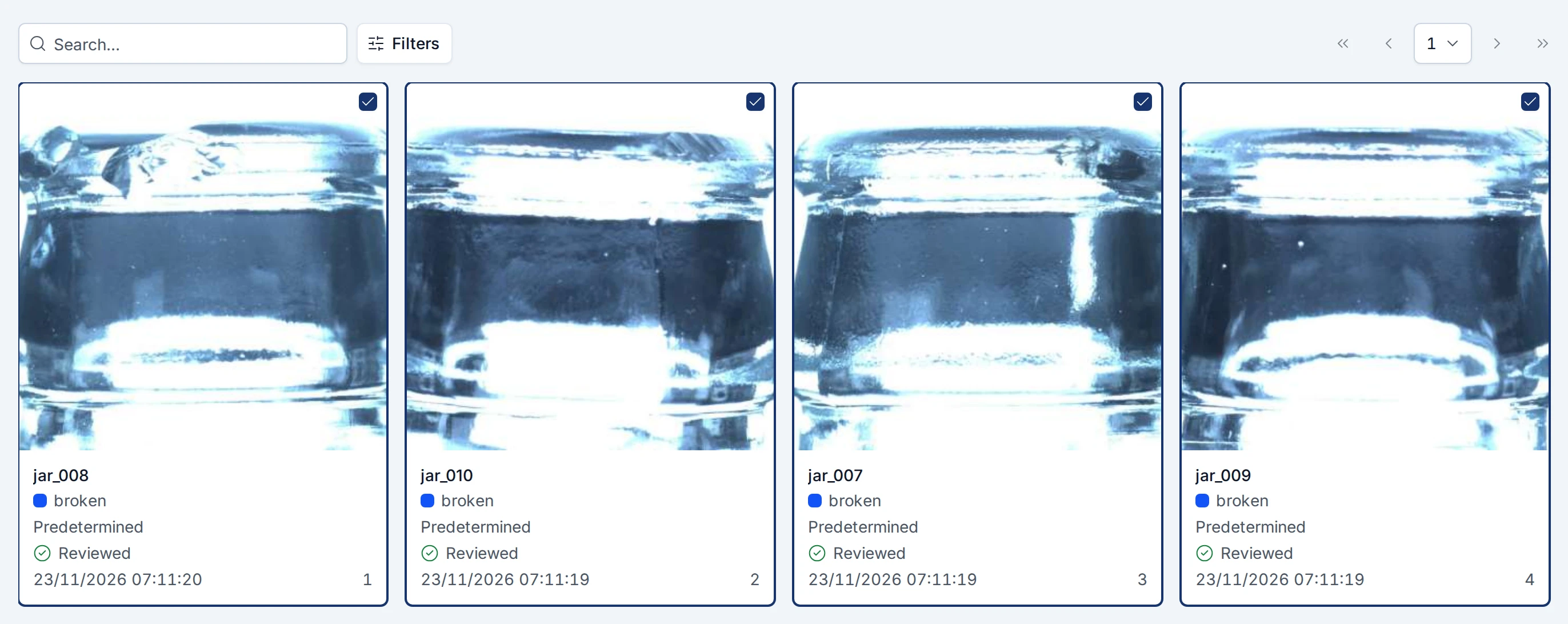
Open the dataset, click «Labeling» and select the images. Here the «broken» filter shows the broken jars, and «Select page» takes them all.
2. Open «Copy»
Open «More actions», the last button of the bar at the bottom, and choose «Copy».
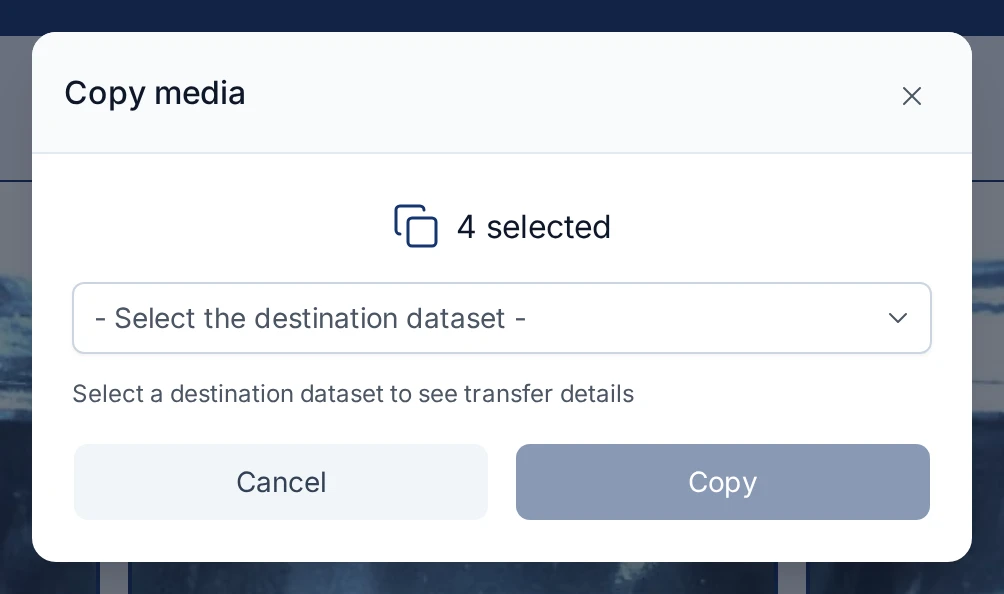
3. Choose where they go
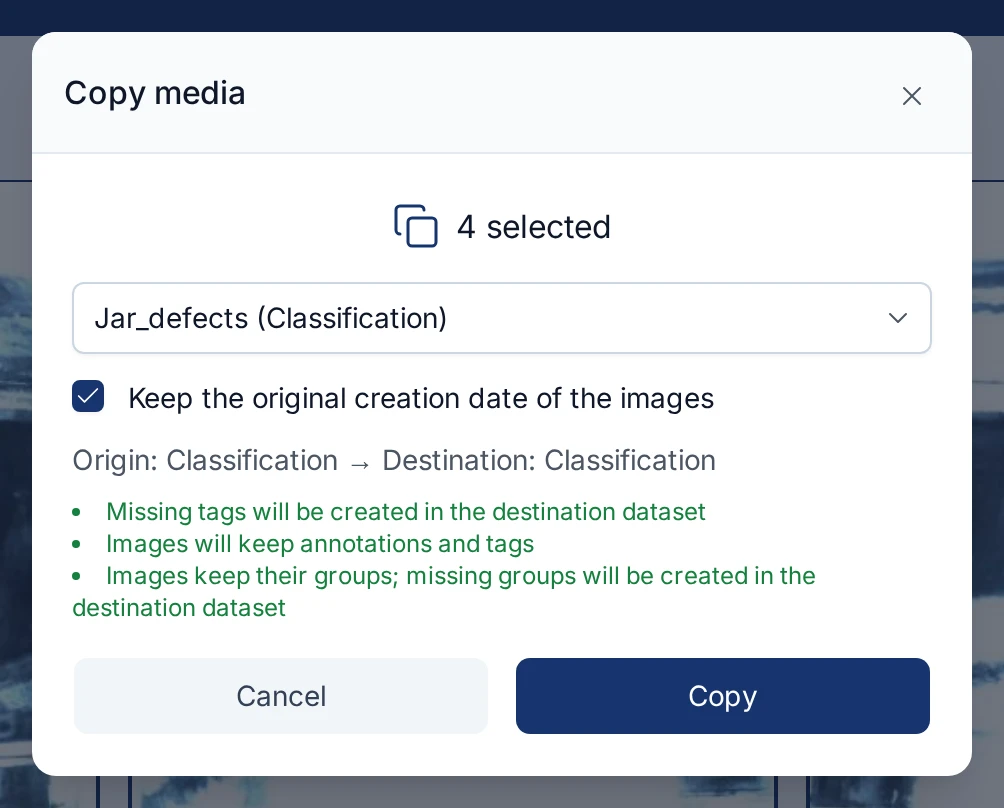
In «Destination», choose the dataset the images go to: type part of its name to find it, here «jar_defects». «Create new dataset», at the top of the list, creates one on the spot with the name and type you give it. Below, the dialog tells what happens to the images: between datasets of the same type they keep their tags and annotations, and tags missing in the destination are created.
4. Copy them
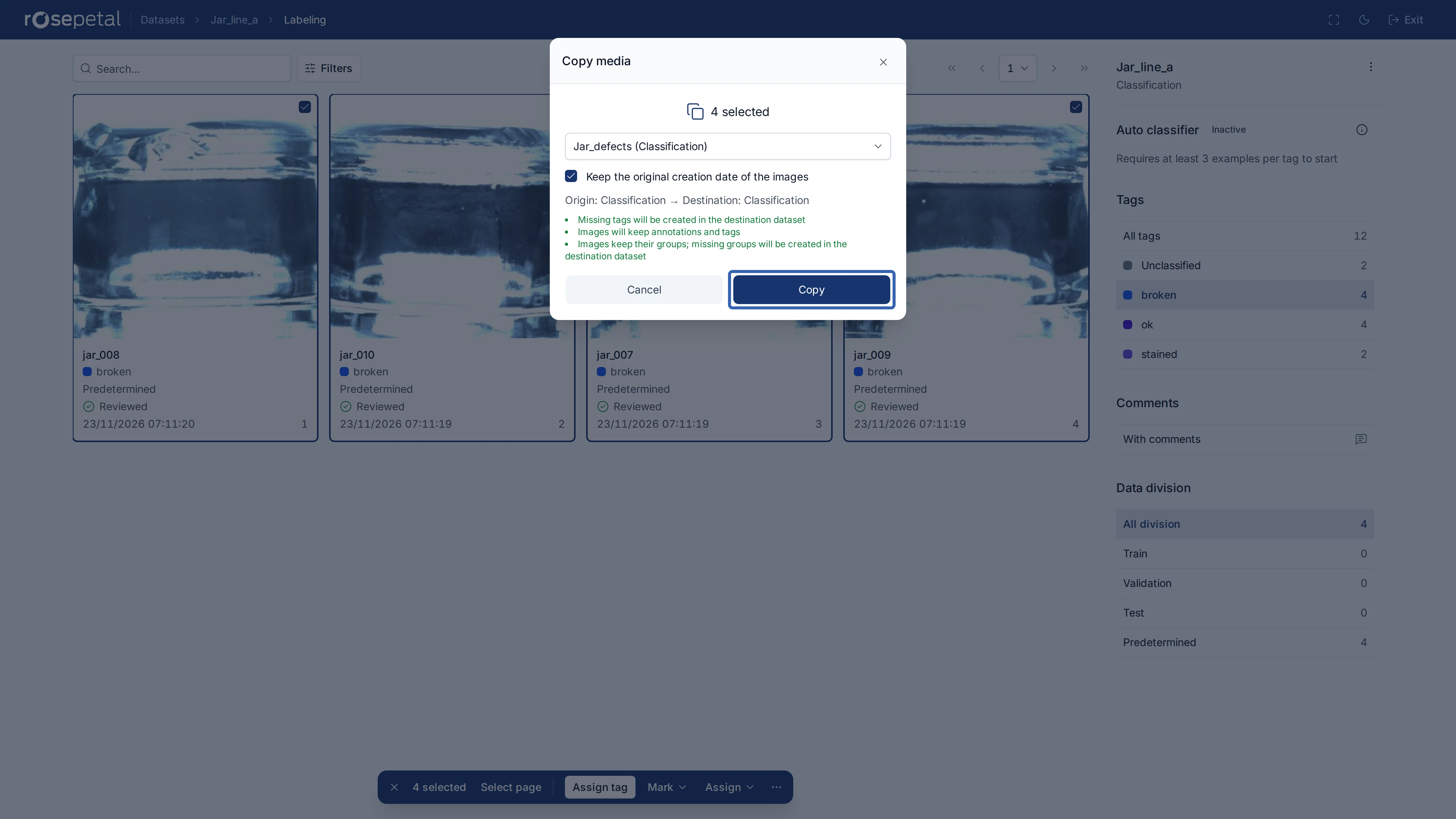
«Keep the original creation date of the images», ticked as it comes, keeps the date they were first uploaded. Click «Copy». A notice says how many images were copied, and where. Each copy is a separate image with its own file: changing or deleting it does not touch the original.
5. Move other images
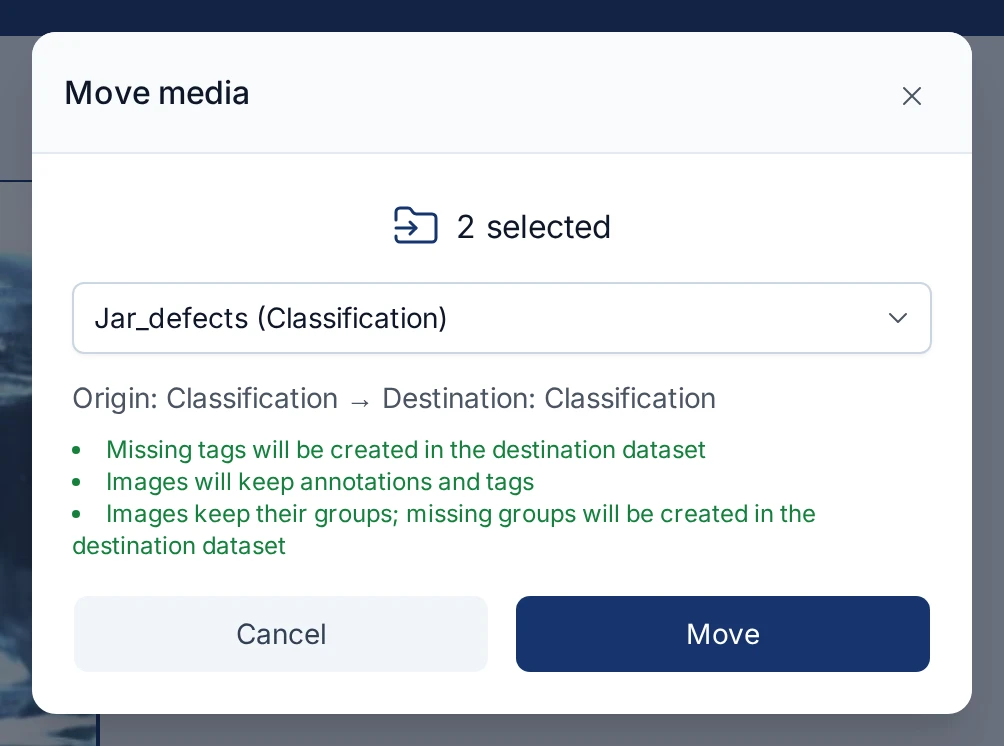
Select other images, here the stained jars, and choose «Move» in «More actions». Moved images leave this dataset and arrive in the other one as they are; nothing stays behind.
6. Move them
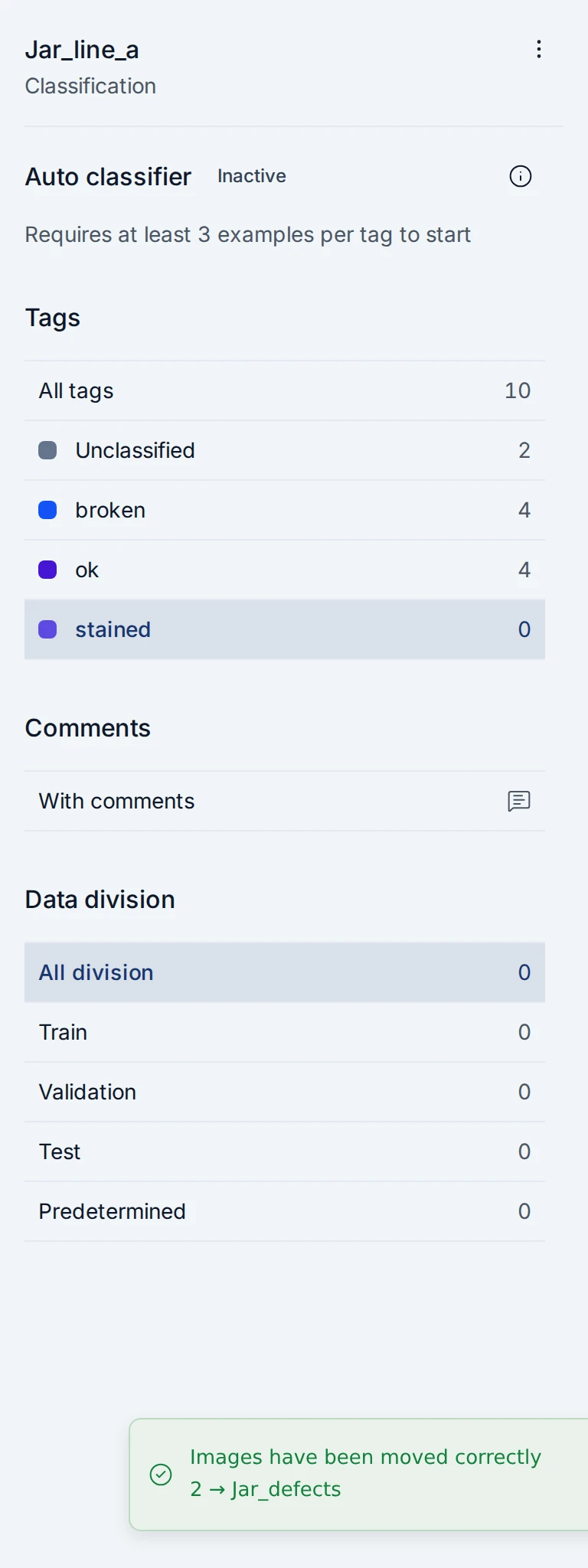
Click «Move». The counts of this dataset go down by the images that left.
Good to know
- A whole dataset. «More options», at the top of the dataset page, copies or moves every image of the dataset at once.
- Between types. Images copied or moved into a dataset of another type arrive «Unclassified», to be labeled there, without their boxes or masks. Into a classification dataset they keep their class, so the «Ok» and «Nok» of an anomaly dataset carry over.
- Groups. Images keep their groups; groups missing in the destination are created.
- Names and comments. A copy gets a new file name and the comment «Copied from…» with the original's ID. A moved image keeps its name but loses its comment.
Next steps
Recorded on Rosepetal release 1.8.15.